WebPier
IN DEVELOPMENT · WINDOWSPrivate preview
Safari debugging, without the Mac detour.
Inspect real iPhone Safari pages in Chrome DevTools on Windows. Bring the same page context into Codex and Claude Code through MCP.
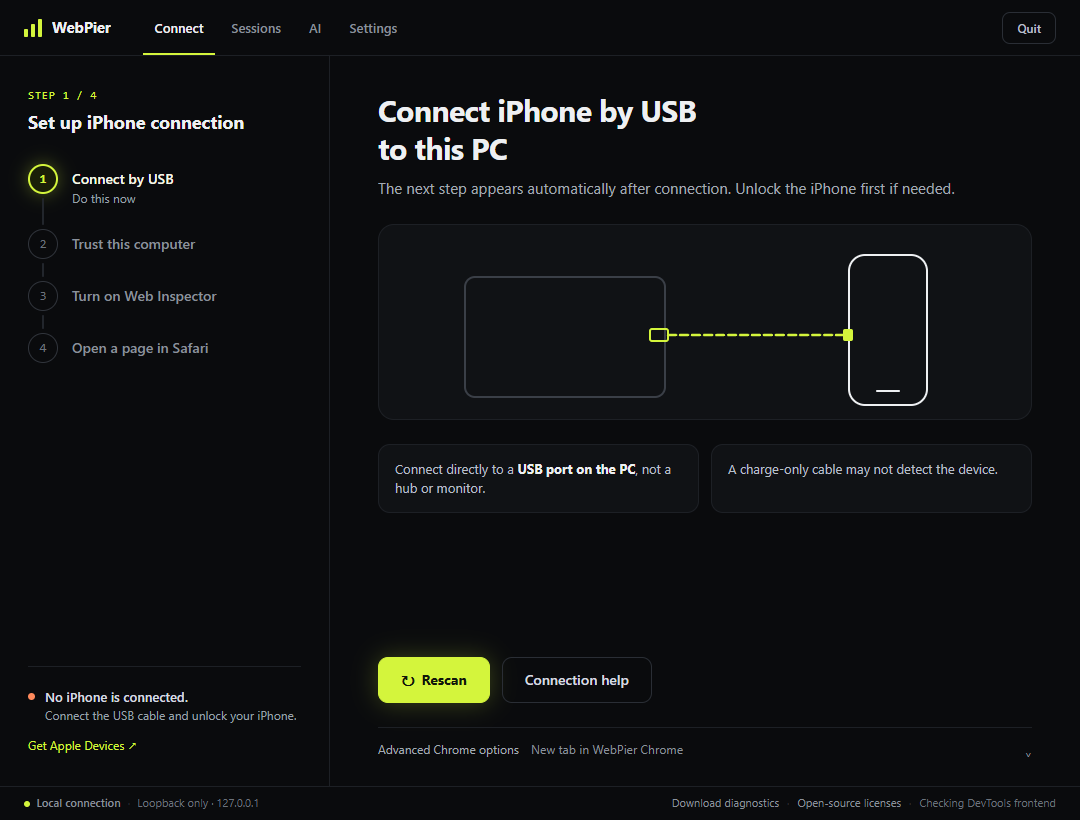
WebPier on Windows — English UI
The WebPier program UI in English, captured in a disconnected test state. Real iPhone inspection is shown separately below.
Inside the workflow
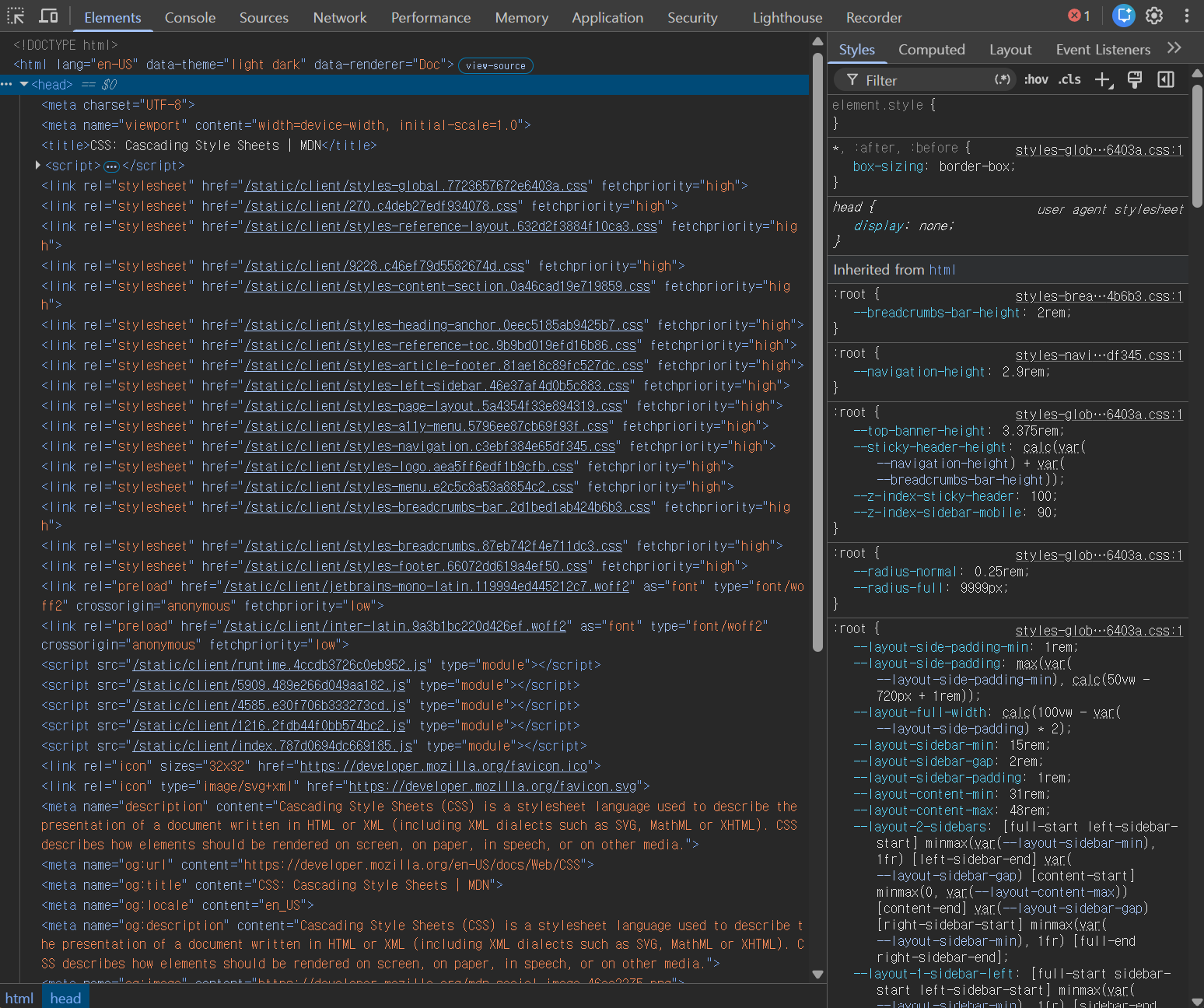
Overview
WebPier is a developer tool for inspecting iPhone Safari from Windows. Connect an iPhone over USB, select a Safari page, and open it in the installed Chrome DevTools. Page discovery, DOM inspection, and console access have been verified on an iPhone.
Why it exists
Inspecting iPhone Safari can be cumbersome when your development environment is on Windows. WebPier brings that inspection flow closer to the desktop tools you already use, with page context that can also support AI-assisted debugging.
What it enables
- Real device. Real Safari.
- Inspect pages running on a USB-connected iPhone.
- Familiar DevTools.
- Bring Safari inspection into a Chrome DevTools workflow on Windows.
- AI in the loop.
- Connect inspection context to Codex and Claude Code via MCP.
Technology
- Windows desktop app
- USB-connected iPhone Safari
- Chrome DevTools integration
- MCP · Codex / Claude Code
Status
WebPier is in development, with a private preview.
Feature support varies. Full iPhone coverage for CSS editing, network response bodies, and breakpoints is still being verified.
An independent developer tool, not affiliated with Apple or Google.